5 ways MaClipHistory boosts your productivity
A clipboard manager might seem like a small tool, but it can have a massive impact on your daily workflow. Here are five ways MaClipHistory can boost your productivity.
1. Never lose important content
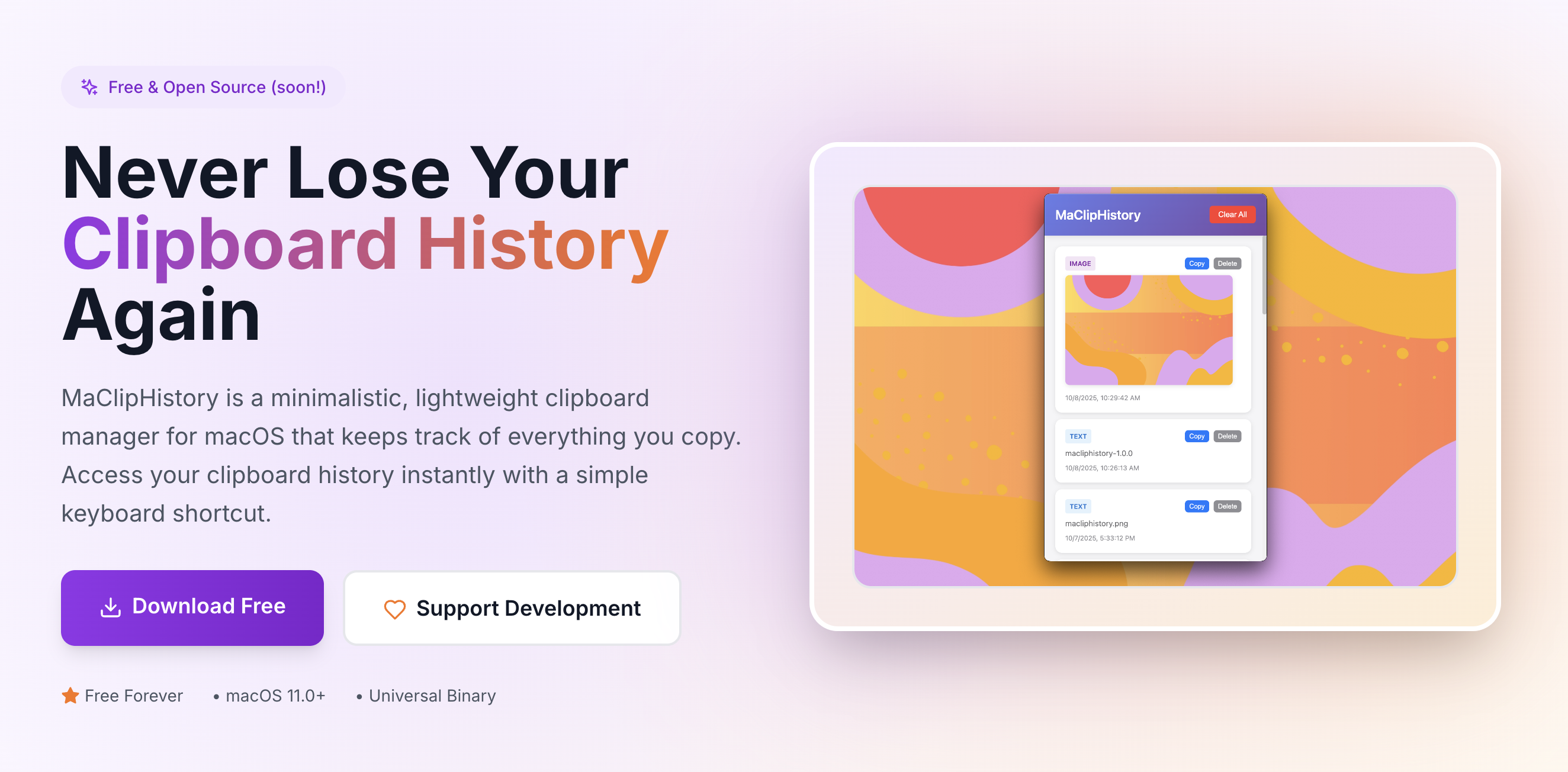
How many times have you copied something, then accidentally copied something else before pasting? With MaClipHistory, everything you copy is saved, so you can always go back, retrace your steps and find what you need.
2. Quick access to frequently used text
Whether it's email signatures, code snippets, or commonly used phrases, MaClipHistory gives you instant access to your clipboard history. No more retyping the same content over and over.
3. Stay focused on your work
With keyboard shortcut (⌘ + Shift + V), you can easily open clipboard history and get info you were copying without interrupting to find the information source from which you had it. This keeps you in the flow, focused on what matters.
4. Remembers copied images
You were looking for some image, copied it and then got distracted on something else? I got you covered! MaClipHistory will remember the image you copied and you can easily find it later.
5. Pair it with a screenshot tool
If your screenshot tool copies image to clipboard, it can be very helpful. For example you are watching some important presentation or screencast, webinar. It will not be repeated, so you have to remember it all. Together with making notes, you can also make screenshots and if you forget to save them as files, you can do it later, because they will be safe and sound in MaClipHistory.
Conclusion
These are just a few ways MaClipHistory can transform your workflow. Give it a try and discover how much time you can save!
Try MaClipHistory Today
Experience the power of a truly private clipboard manager
Download Now - It's Free